


Colocation vs Public Cloud: Meeting Data Residency Requirements Under PIPEDA
Colocation helps with data residency because you choose the exact Canadian facility where your servers sit, you own the hardware and you decide who can access it. PIPEDA does not ban storing data outside Canada, but it holds your organization accountable for protecting personal information wherever it goes. Colocation makes that accountability much easier to prove to a legal team, an auditor, a client or a cyber insurer.
If your legal or compliance team has started asking hard questions about where your data lives in the public cloud, you are not alone. Professional firms, clinics, financial offices and hospitality groups across BC are being asked the same thing by clients and insurers. This guide explains what Canadian privacy law actually requires, why the public cloud raises flags, where colocation fits and what it does not fix.
This article is general information, not legal advice. Confirm your specific obligations with your privacy officer or legal counsel.
What PIPEDA actually says about where data is stored
PIPEDA, Canada’s federal private-sector privacy law, is built around principles rather than a fixed list of technologies or locations. Three of those principles matter most for data residency:
- Accountability. When you hand personal information to a third party for processing, such as a cloud or hosting provider, you are still responsible for it. You are expected to use contracts or other means to ensure a comparable level of protection.
- Openness. If personal information may be processed outside Canada, people should be told, including that it could be accessed by courts or authorities in that country.
- Safeguards. Security must match the sensitivity of the information, regardless of where it is stored.
In other words, PIPEDA cares less about the map and more about control and transparency. That is why the real question from your legal team is usually not “Is the cloud allowed?” but “Can we prove who controls this data and who could be forced to hand it over?”
Where residency rules get stricter
Some obligations go further than PIPEDA, which is often what triggers a residency review:
- Provincial privacy laws. In BC, most provincially regulated businesses fall under BC’s Personal Information Protection Act (PIPA). Quebec’s privacy law requires an assessment before personal information is sent outside the province, and Alberta’s PIPA has notice requirements for service providers outside Canada.
- Sector rules. Healthcare, financial services and organizations working with public bodies often face stricter requirements.
- Client contracts. Government agencies, health authorities and large enterprises frequently write “data must remain in Canada” directly into their contracts.
- Cyber insurance. Insurers increasingly ask where data is stored, who has administrative access and how backups are protected.
Why legal teams flag the public cloud
Public cloud platforms can be very secure, and most now offer Canadian regions. Legal teams still raise concerns for a few recurring reasons:
- Foreign legal reach. If a cloud provider is headquartered outside Canada, laws in its home country may allow authorities to request data the provider controls, even when that data is stored in a Canadian region.
- Data that quietly leaves the region. Backups, logs, support access, analytics or disaster recovery copies are not always held in the same region as the primary data.
- Shared responsibility confusion. Many businesses assume the provider handles security settings that are actually the customer’s job.
- Changing terms. Service terms, sub-processors and data locations can change, and someone has to keep checking.
How colocation helps you meet data residency requirements
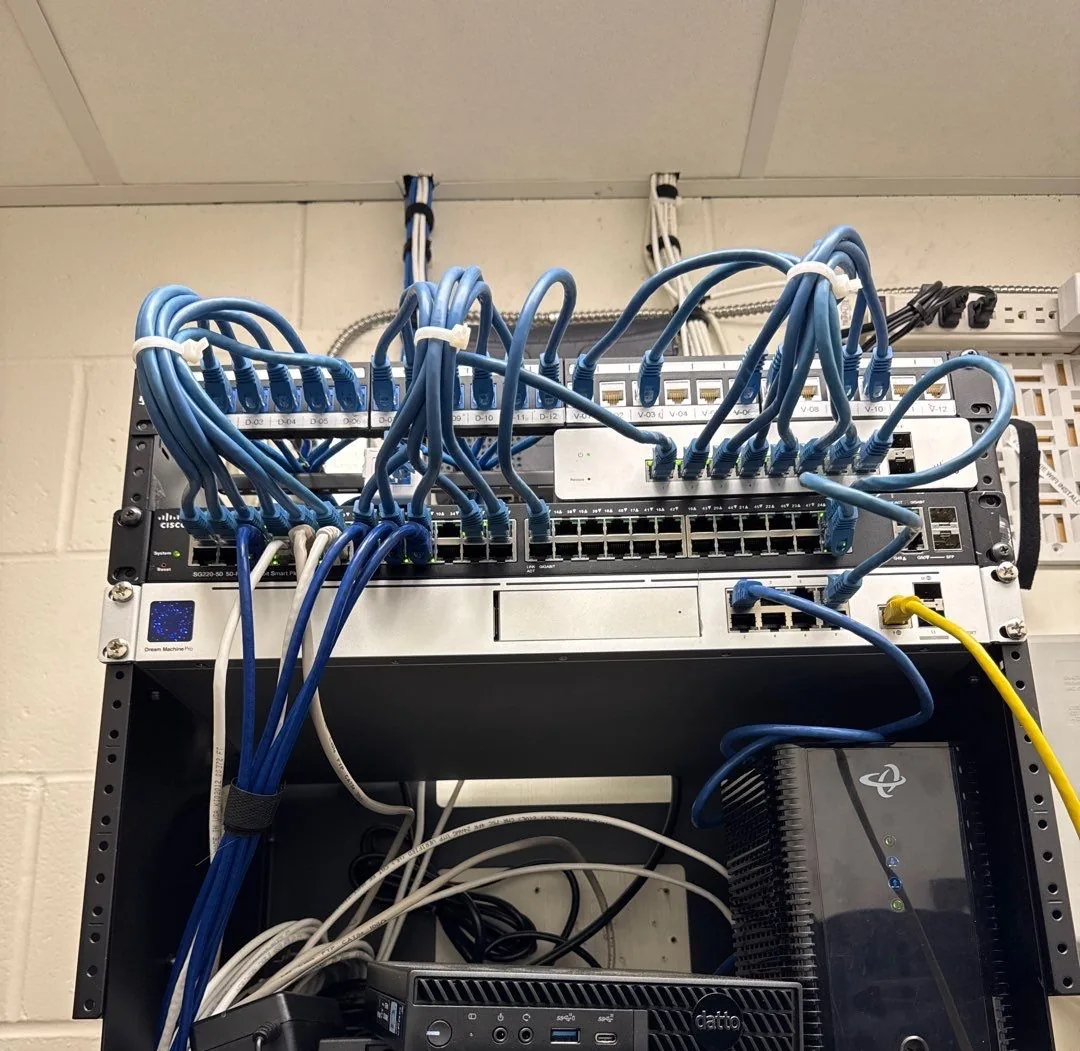
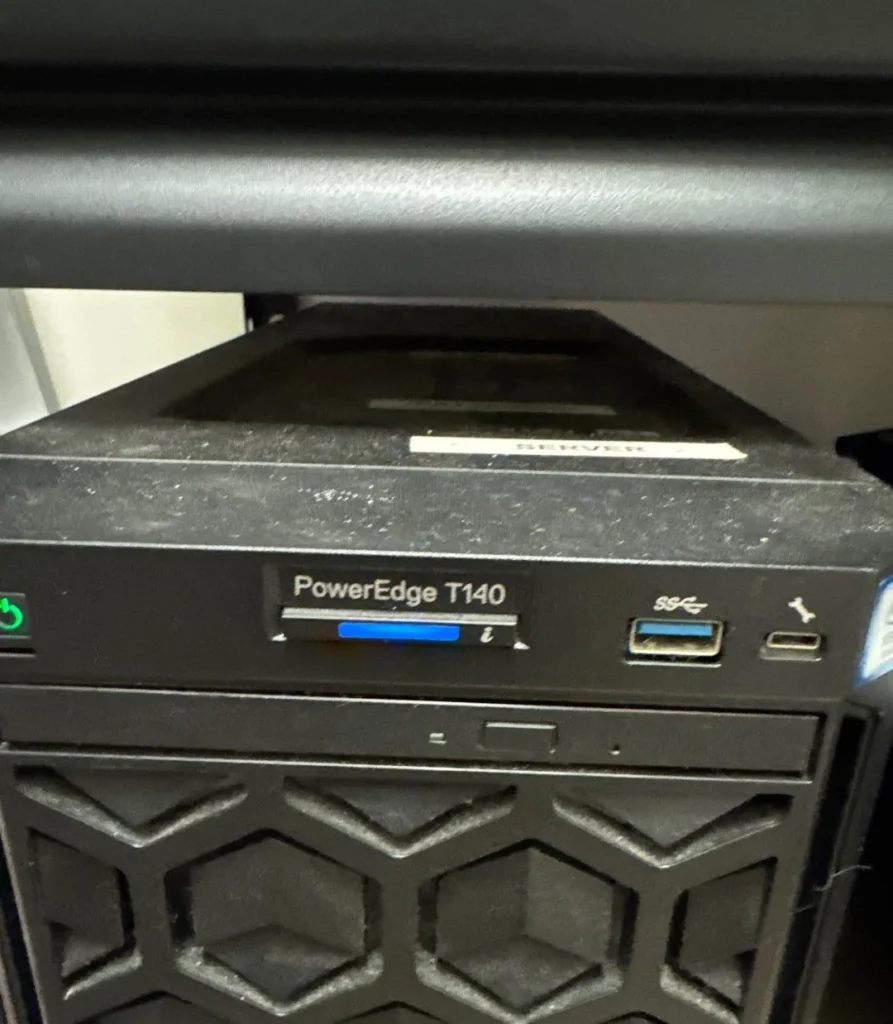
Colocation means placing servers and network equipment you own inside a professional data centre. The facility provides secured space, power, cooling and connectivity. You keep ownership and control of the systems. For data residency, that delivers several concrete advantages:
- A fixed, known location. You can name the exact facility and city where your data is stored. That single fact answers most residency questions on a client or insurer questionnaire.
- Hardware you own. Your data sits on equipment you control, not on shared infrastructure run by a third party.
- Your choice of operator. You can select a Canadian-owned facility, which reduces exposure to foreign legal requests aimed at the infrastructure provider.
- Controlled, logged physical access. Reputable facilities use access cards, biometric checks, cameras and visitor logs, so you can show who touched your equipment and when.
- Encryption keys you hold. When you manage your own encryption, data remains unreadable to anyone without your keys, including the facility operator.
- Simpler audit evidence. Facility certifications, access logs and your own network diagrams make compliance reviews faster and more convincing.
What colocation does not solve
Colocation is a strong tool, not a complete answer. Be clear about its limits before you commit:
- Security is still your job. Patching, firewalls, monitoring, user access and backups remain your responsibility, or your IT partner’s.
- Your other apps still matter. If email, file sharing or accounting run in a cloud service, that data’s location needs its own review.
- Backups must follow the same rules. An offsite backup stored outside Canada can undo the whole effort.
- Remote access needs control. Administrators or vendors connecting from abroad create their own access considerations.
- Upfront cost. You buy and refresh the hardware, which suits steady, predictable workloads better than rapidly changing ones.
Colocation vs public cloud vs hybrid: quick comparison
| Colocation | Public cloud (Canadian region) | Hybrid | |
|---|---|---|---|
| Control over data location | Highest: you choose the facility | Region is selectable; some services may vary | High for sensitive systems |
| Hardware ownership | Yours | Provider’s | Mixed |
| Scalability | Limited by your hardware | Very flexible | Flexible where it matters |
| Cost pattern | Upfront hardware plus monthly space and power | Pay as you go | Balanced |
| Best for | Regulated or sensitive data, steady workloads | Growing or variable workloads | Most mid-sized BC businesses with mixed data |
The practical answer for most businesses: go hybrid
Very few businesses need everything in colocation. A hybrid cloud approach usually gives the best balance:
- Keep the most sensitive or contract-restricted data, such as client files, patient records or financial systems, on servers in a Canadian colocation facility.
- Use Canadian cloud regions for collaboration tools and less sensitive workloads where flexibility matters more.
- Store backups in Canada as well, with at least one copy that cannot be altered or deleted by an attacker.
The key is to decide by data type, not by technology preference. Our guides on cloud vs on-premise for BC businesses and Canadian cloud backup and data residency go deeper on each side.
Checklist: before you move data to colocation
- List the personal and confidential data you hold and where each type lives today.
- Classify it by sensitivity and by any contract, insurance or legal residency requirement.
- Map how data moves: integrations, backups, remote access and vendor support.
- Confirm facility location, ownership, certifications and access procedures in writing.
- Decide who manages encryption keys and how they are protected.
- Make sure backups and disaster recovery copies stay in Canada.
- Set up monitoring, patching and access reviews before go-live, not after.
- Update your privacy policy and records so they reflect where data is stored and processed.
Data residency help for BC businesses
Insmart Technology helps businesses across Surrey and the Lower Mainland design infrastructure that legal teams, clients and insurers can sign off on. That includes cloud infrastructure planning, server management, disaster recovery and compliance services, with a clear record of where every type of data lives.
If your team has raised data residency concerns, book a free IT assessment. You will get a plain-language map of where your data is today and the options for bringing it under tighter control.
Frequently asked questions
Does PIPEDA require data to be stored in Canada?
No. PIPEDA does not generally require personal information to stay in Canada. It does make your organization accountable for protecting that information wherever it is processed, and it expects you to tell people when their data may be handled outside the country. Stricter rules can apply through provincial laws, sector regulations or client contracts.
How does colocation help with data residency?
With colocation you choose the specific Canadian data centre that holds your servers, you own the hardware and you control who can access it. That makes it simple to show auditors, clients and insurers exactly where your data lives and who can reach it.
Is colocation more secure than the public cloud?
Not automatically. Colocation gives you more control over location and access, but you remain responsible for patching, monitoring, backups and security settings. A well-managed public cloud setup can be very secure; the right choice depends on your data, your obligations and your team.
Can we use Microsoft 365 if our data must stay in Canada?
Many Canadian organizations do. Microsoft offers Canadian datacentre regions for core Microsoft 365 data, but you should confirm which services and data types are covered and document it in your privacy records. Sensitive systems that need tighter control can still run in colocation as part of a hybrid setup.
What should we check in a colocation contract?
Confirm the facility location and that it will not change without notice, who owns the facility, physical access procedures and logs, power and cooling redundancy, remote hands services, where any provider-managed backups are stored, and how incidents are reported to you.
